> For the complete documentation index, see [llms.txt](https://docs.powerfulform.com/llms.txt). Markdown versions of documentation pages are available by appending `.md` to page URLs; this page is available as [Markdown](https://docs.powerfulform.com/quick-start/form-field-types/textarea-field.md).
# Textarea field
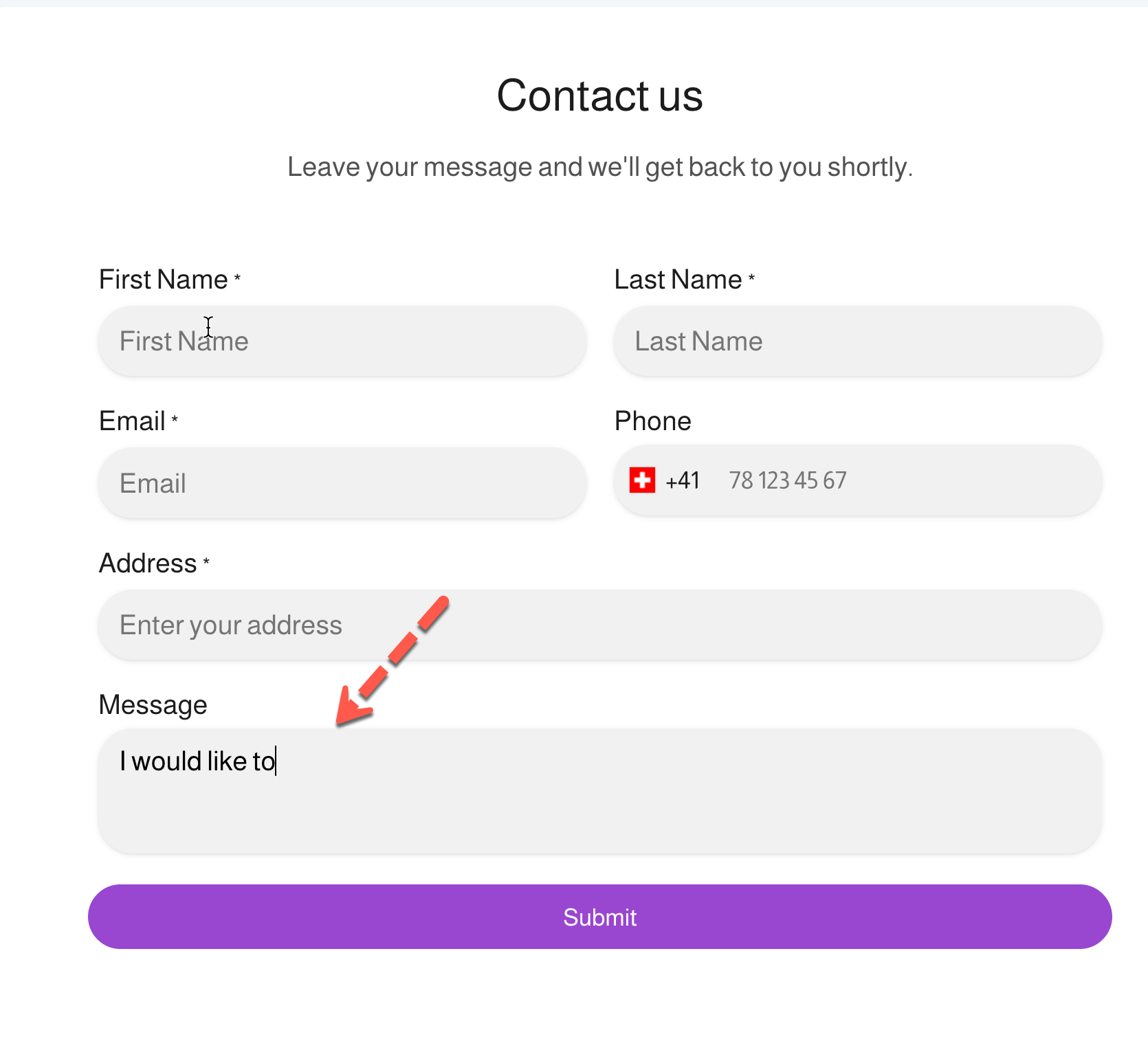
The **Textarea** field allows users to enter **longer, multi-line text**.
***
### ✅ When to use Textarea
Use Textarea when:
* Users need to explain something
* The answer may be long
**Examples**
* Message
* Special requests
* Issue description
***
### ⚙️ How it works
* Users can type multiple lines of text
* All content is saved in the submission
***
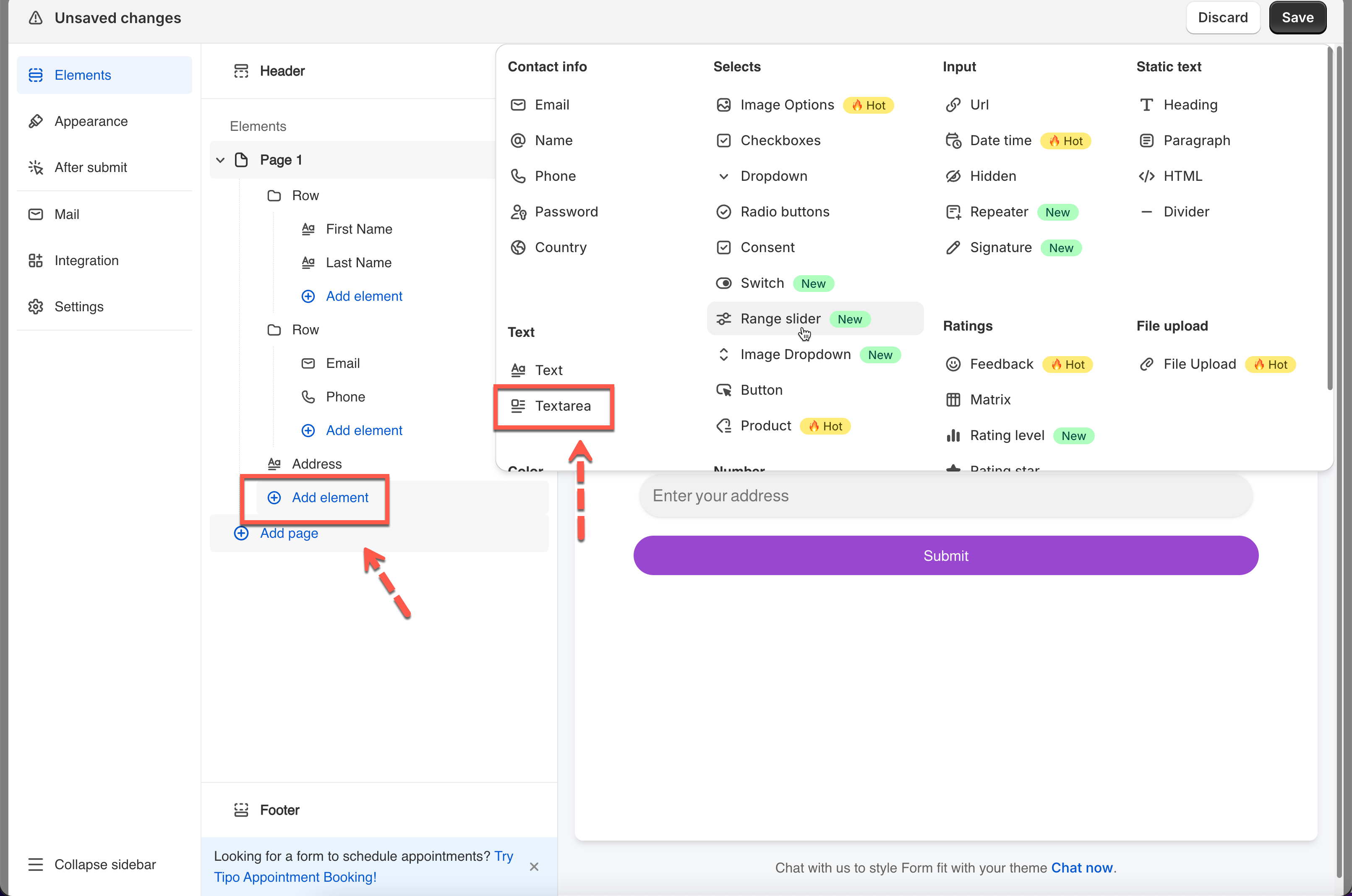
### 🧩 How to add a Textarea field
1. Click **Add field**
2. Select **Textarea**
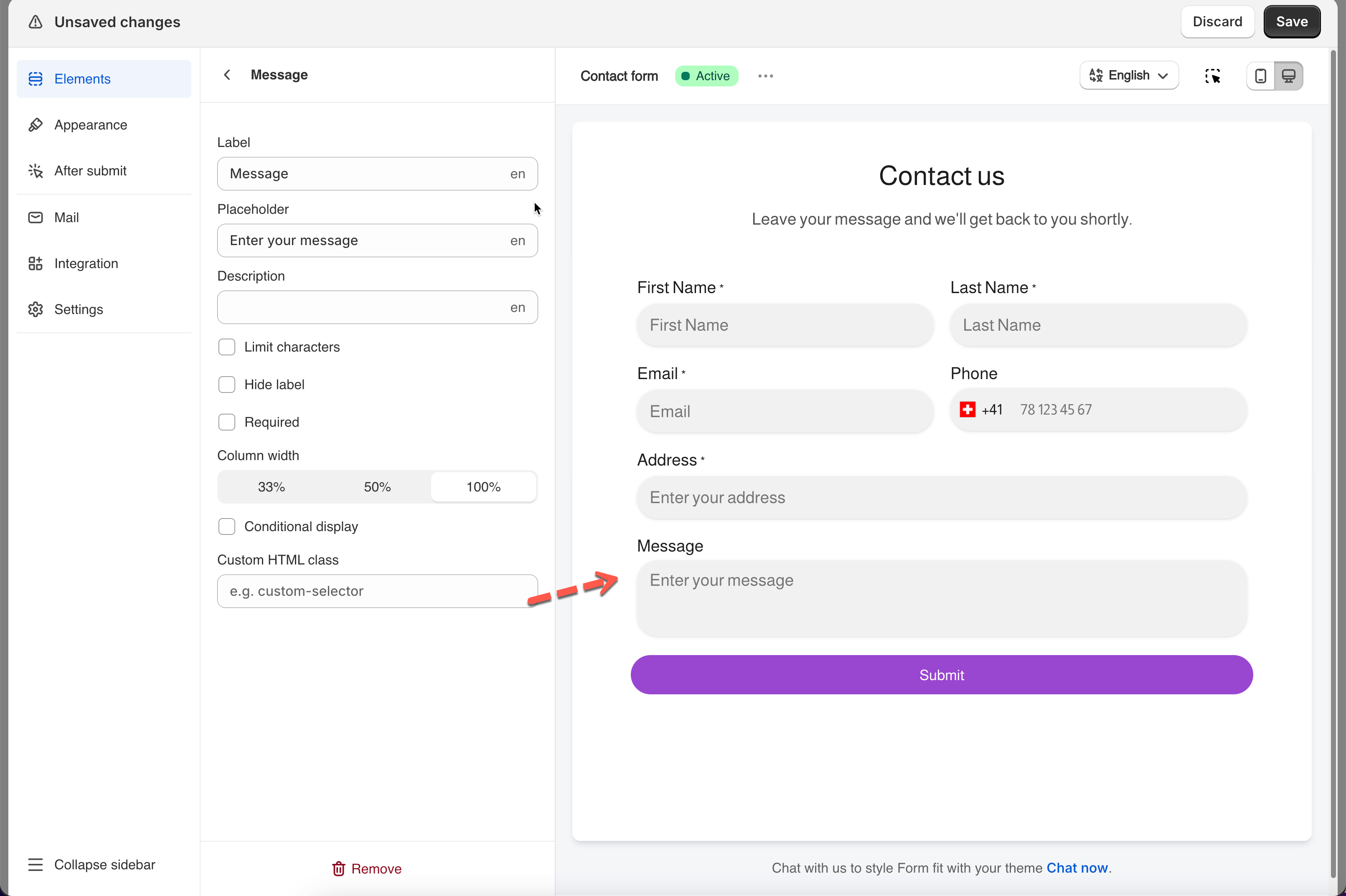
3. Set the label and placeholder
***
#### Placeholder text
**Examples**
* `Describe your request`
* `Tell us more`
* `Enter your message`
#### Default value (optional)
Rarely used for Textarea.
**Example**
* `N/A`
***
#### Required field (recommended)
Use when the message is mandatory.
**Example**
* Support request description
***
#### Need More Help?
If you still need assistance, please contact us at . Our team will be happy to help you resolve any issues or guide you further.