> For the complete documentation index, see [llms.txt](https://docs.powerfulform.com/llms.txt). Markdown versions of documentation pages are available by appending `.md` to page URLs; this page is available as [Markdown](https://docs.powerfulform.com/email-notifications/mail-notification.md).
# Overview
When someone submits your form, the app can automatically send an email to you (the admin) and to the customer who submitted it.
Every form in Powerful Contact Form Builder can send two emails when someone submits it: one to you, and one to the person who filled it in. This page explains the difference and points you to the guide for each part.
## 🔄 How It Works
```
Visitor submits form → App sends Admin email → App sends Customer email (if enabled)
```
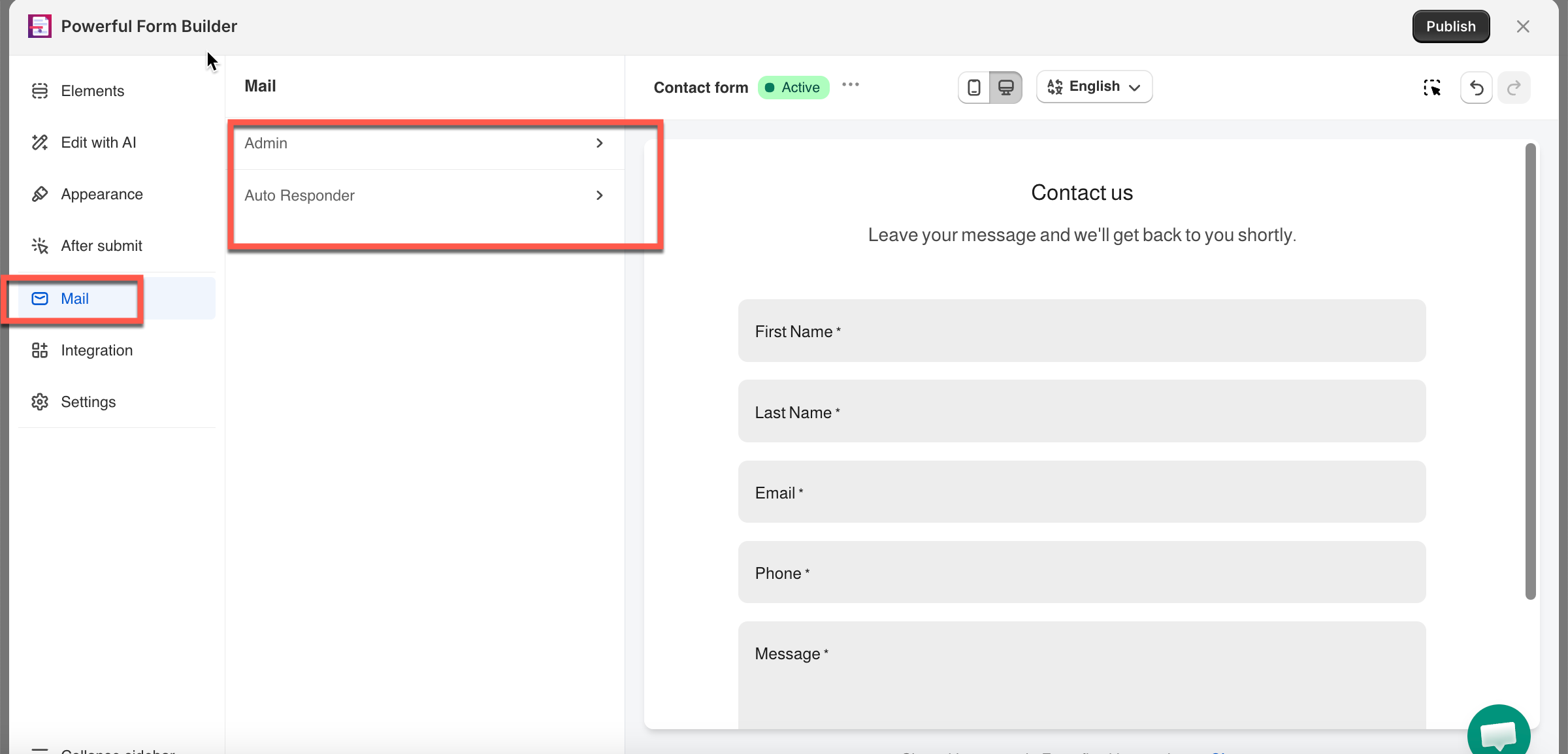
Both emails are set up **inside the form itself**: **Forms** > open your form > **Mail** tab in the left sidebar.
## 📬 The Two Emails
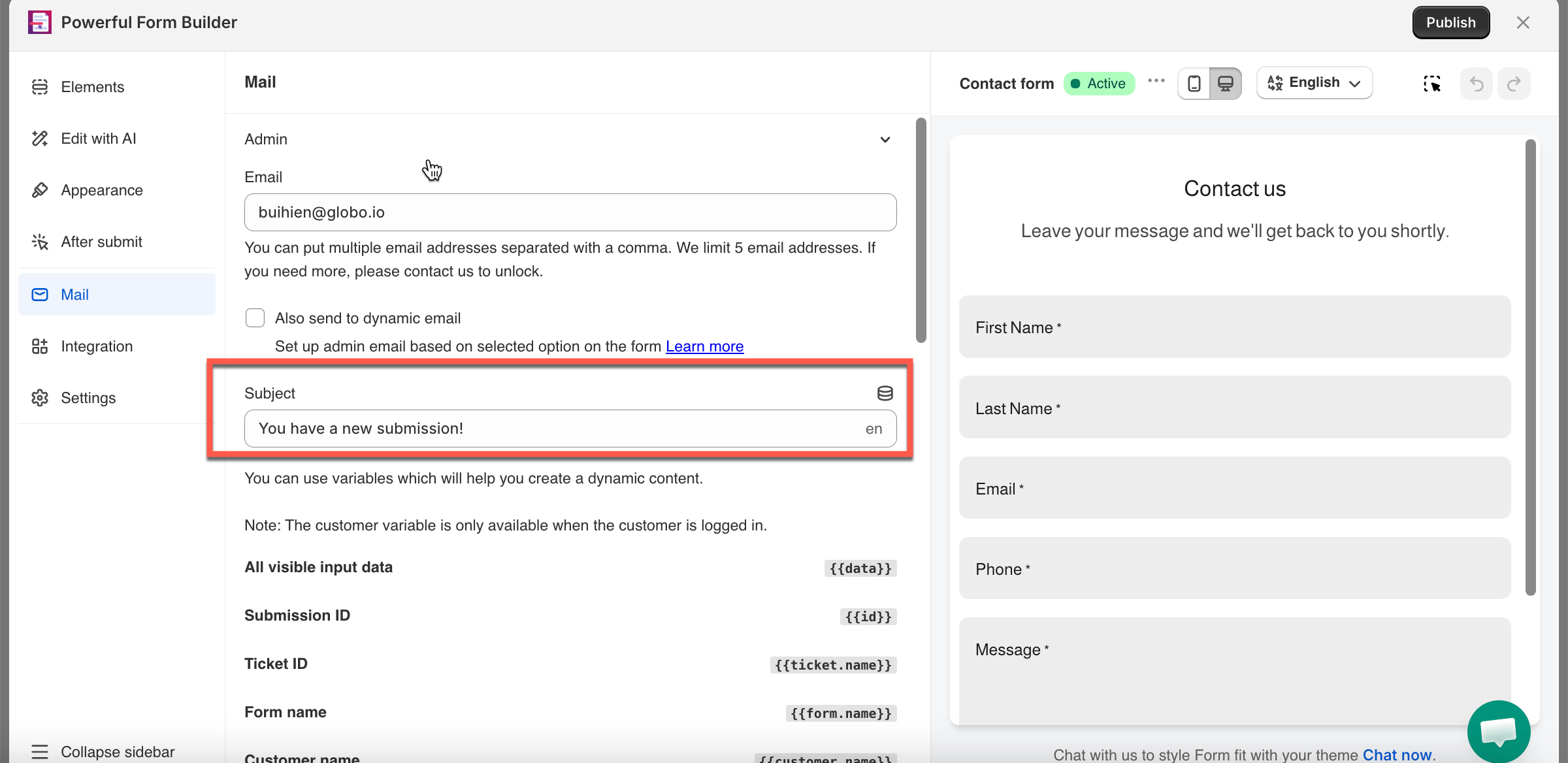
Admin Email
Customer Email (Auto Responder)
Goes to
You (+ anyone else listed in Email)
The visitor who submitted
Default status
✅ On
❌ Off — enable with Send email to customer
Subject & Content
Set independently
Set independently
> **📌 Note:** Each form has its own pair of emails — 5 forms means 5 separate email setups, nothing is shared between them.
## ✉️ Who It's Sent From
By default, both emails send from the **app's own address (**), using your **store name** as the sender name.
Want it from your own mailbox instead? See [Send from your own address —](/email-notifications/custom-sender/custom-mail-smtp.md) works store-wide or per form.
## 📋 What's in the Email
Each email's **Content** can include:
* Your own written message
* **Submission details** — a placeholder that automatically inserts every question and the visitor's answer, formatted as a list
> See[ Insert form answers into an email ](/email-notifications/dynamic-fields.md)to add specific answers (not just the full list) into your subject or content.
## 📖 Related Guides
{% columns %}
{% column %} :bell: [Admin email notification](/email-notifications/admin-notification.md)
:sitemap: [Admin emails with conditions](/email-notifications/admin-emails-with-conditions.md)
:reply: [Customer email notification](/email-notifications/customer-autoresponder.md)
:pen-to-square: [Edit customer email template](/email-notifications/email-template-editor.md)
{% endcolumn %}
{% column %} :brackets-curly: [Insert form answers into an email](/email-notifications/email-template-editor.md#dynamic-variables)
:at: [Send from your own address](/email-notifications/custom-sender.md)
:gauge: [Limit emails in Free plan](/email-notifications/email-limits.md)
{% endcolumn %}
{% endcolumns %}
{% hint style="info" %}
Registration forms that create Shopify customer accounts send two more emails, set up in **Settings** rather than in the form. See [Registration notification emails](/customers-and-registration/registration-emails.md).
{% endhint %}
## Next steps
* [Admin email notification](/email-notifications/admin-notification.md) — the one to set up first.
* [Customer autoresponder](/email-notifications/customer-autoresponder.md) — reply to the visitor automatically.
* [I am not receiving admin emails](/troubleshooting/not-receiving-admin-emails.md) — what to check when nothing arrives.
* [Emails go to spam or thread together](/troubleshooting/email-deliverability.md) — improve where your emails land.